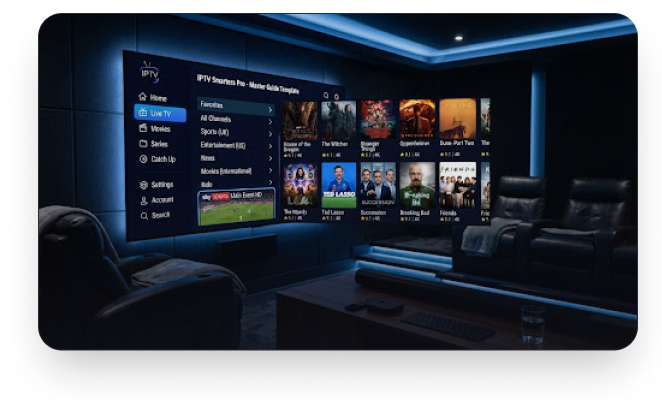
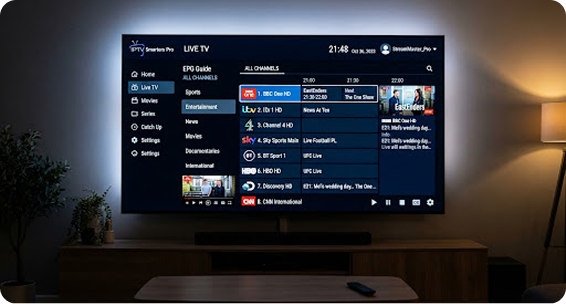
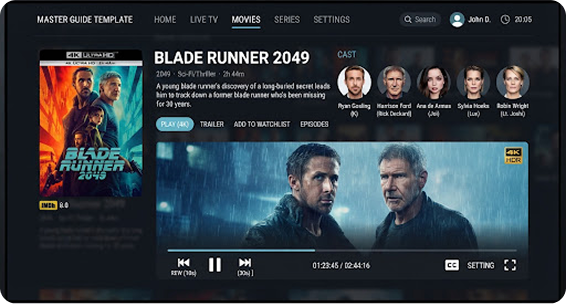
Master the world’s most popular streaming interface. Our completeb IPTV Smarters Pro guide walks you through installation, optimization, and advanced features for a cinematic 4K home theater experience.
IPTV Smarters Pro is more than just an application; it is a sophisticated middleware solution designed to bridge the gap between high-quality content streams and your viewing screen. Engineered for versatility, it supports the Xtream Codes API, M3U playlists, and EPG (Electronic Program Guide) formats natively.
With its customizable UI and multi-screen capabilities, it has become the preferred choice for enthusiasts who demand stable, high-bitrate streaming without the clutter of traditional set-top box software.
Engineered Features
Discover why millions of users trust IPTV Smarters Pro for their daily entertainment needs.
Easy Installation
Seamless setup across all major operating
systems with one-click installers.
Xtream Codes Support
Connect directly to professional servers
using API login for better stability.
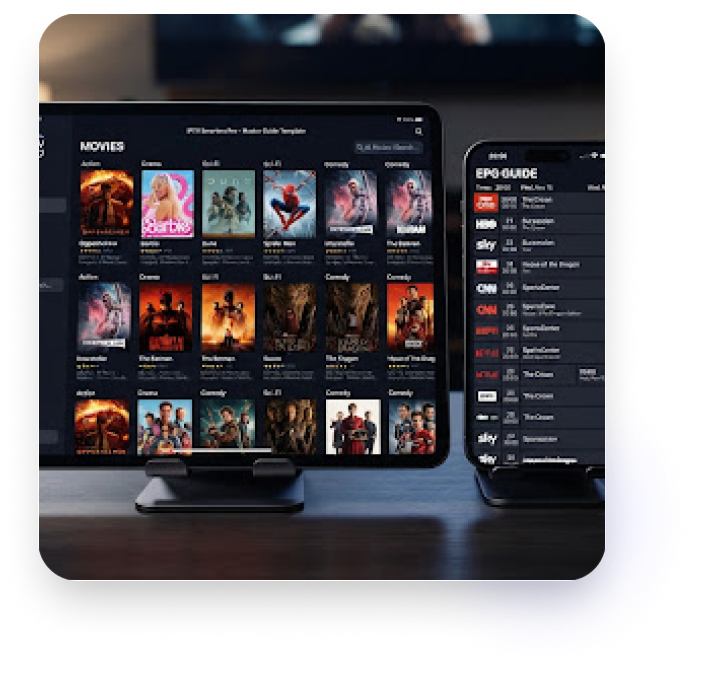
Full EPG Support
Interactive TV guide with posters,
synopsis, and scheduling information.
Multi Device Sync
Synchronize your favorites and watch
history across all your active devices.
Modern Interface
A sleek, user-centric design that rivals
high-end streaming platforms.
External Players
Integrate VLC or MX Player for advanced
codec and subtitle support.
Universal Compatibility
Install IPTV Smarters Pro on any hardware platform.
11 SUPPORTED SYSTEMS
Smart TV
Firestick
iOS / Mac
Android
Windows PC
Consoles
Smart TV
Firestick
iOS / Mac
Android
Windows PC
Quick Setup Guide
Download the App
Visit the App Store, Play Store, or our direct download link to grab
the latest APK for your device.
Install & Launch
Follow the installation prompts. For Firestick, ensure 'Apps from
Unknown Sources' is enabled in settings.
Accept Terms
Open the app and accept the user agreement. You'll be prompted
to choose your login method.
Enter API Credentials
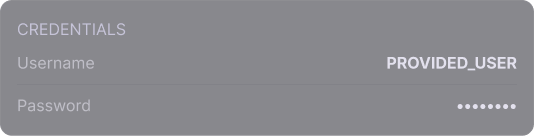
Input your Any Name, Username, Password, and the Server URL
provided by your Luxe Stream subscription.
Start Watching
Wait for the data to download (this takes 30-60 seconds initially)
and enjoy your premium 4K streaming.
Configuration Masterclass
Understanding the difference between Xtream Codes and M3U Playlists is key
to a stable connection.
Xtream Codes API
Recommended. Offers faster loading times, automatic EPG updates,
and a more structured movie catalog.
M3U Playlist URL
Legacy support. Best for quick testing or older streaming systems that
don't support API calls.
SERVER URL EXAMPLE
http://yourserver.com:8080
Pro Tip: Always use the Xtream Codes API login for a better UI experience with full movie descriptions and trailer support.
Experience the Interface
01
Fast Performance
Engineered for low-latency channel switching and
zero-lag navigation even on budget hardware.
02
4K Native Quality
Supports HEVC (H.265) video decoding for crystal
clear UHD resolution at lower bandwidth.
03
Stable Streaming
Advanced buffering algorithms ensure your live
sports and events stay stable during peak hours.
04
Easy Navigation
Intuitive sidebar and search functions allow you to
find any channel among thousands in seconds.
05
Regular Updates
Frequent app updates ensure compatibility with
new codecs and the latest OS security patches.
06
Elite Experience
Join the millions of users who have upgraded their
viewing to the premium Smarters standard.
Engineered Features
Discover why millions of users trust IPTV Smarters Pro for their daily entertainment needs.
TiviMate Guide
The ultimate guide for the premium
Android TV player.
XCIPTV Setup
Modern tile-based interface
installation guide.
IBO Player Pro
Mastering the lightweight Samsung &
LG Smart TV app.